Help
Need a hand with the paint?
The quick answers are below. If something still isn't right, send us a note and tell us what you were doing.
Email supportHow do I make a print?
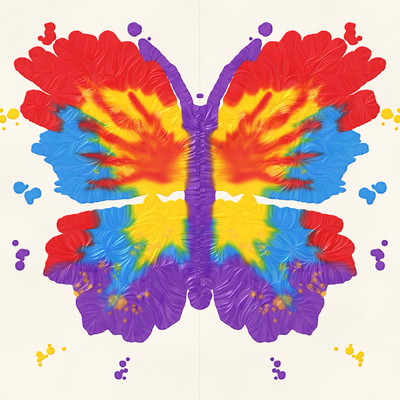
Paint on one half of the page, by the dotted line. Tap Fold, then rub the folded paper to squish the paint. Tap Open to peel it apart and see your print. You can fold again on top of it to add another layer.
How does it work on iPhone Duo?
On iPhone Duo the phone is the paper. Paint on the open screen, then close the phone: the painting folds shut with it. Rub the outside screen to squish, then open the phone to see the print. On other iPhones and on iPad, the Fold button does the same job.
Where are my paintings?
They save automatically as you paint, and when you fold, and appear on the gallery wall. Tap one to look at it closely, paint more on it, share it or delete it. Paintings are kept on your device only.
Why does it ask a grown-up a sum?
Buying, sharing and the grown-ups corner sit behind a quick check: type the answer to a times-table sum. It keeps small fingers from buying things or sending pictures by accident. After the check, a grown-up can share for a minute without being asked again.
What's in the Sparkle Pack?
Gold glitter, star glitter and rainbow paint, every pencil guide, and room for as many paintings as you like. The free version has every tool and keeps six paintings. The Sparkle Pack is a single purchase with no subscription, and it works with Family Sharing.
I bought the Sparkle Pack but it's locked.
Open the gallery, tap Grown-ups, answer the sum and tap Restore purchases. Use the same Apple Account that bought it. If it still doesn't unlock, email us.
Does it work with Apple Pencil?
Yes. Once you use the pencil it paints, and your fingers smudge. Pressing harder or tilting the pencil changes the brush. On iPads with Pencil hover you can see where the paint will land before you touch the screen.
How do I turn the sounds off?
Sounds follow the ring/silent switch. You can also turn them off in the gallery under Grown-ups.
Still need help?
Email foldandsquish@fountaininteractive.com. Please say which iPhone or iPad you're using, its iOS version, and what you expected to happen. A screenshot helps.